
You can filter and review results across the following checks:
- NSOPW (National Sex Offender Public Website)
- OFAC — Office of Foreign Assets Control
- Address Verification
- Interpol
- DMV
How to Use Third-Party Checks
1. Scan the ID
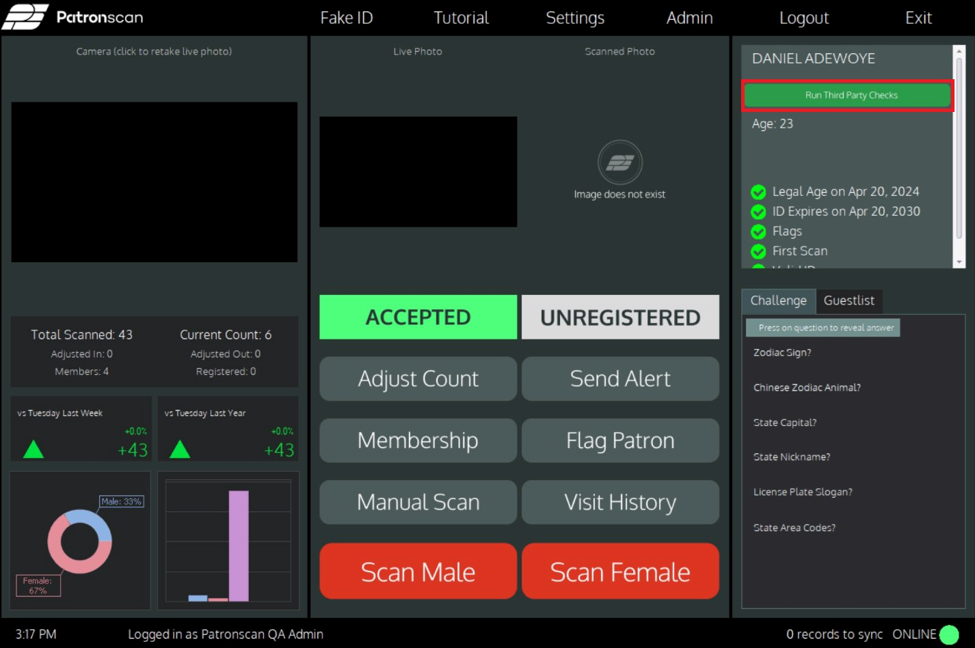
Scan the patron's ID as normal. Once complete, the Results Panel will appear on the right side of the screen with the patron's scan details.
2. Click "Run Third Party Checks"
In the Results Panel, click the green "Run Third Party Checks" button. This initiates verification using the name and address from the scanned ID.
3. Review the Verification Panel
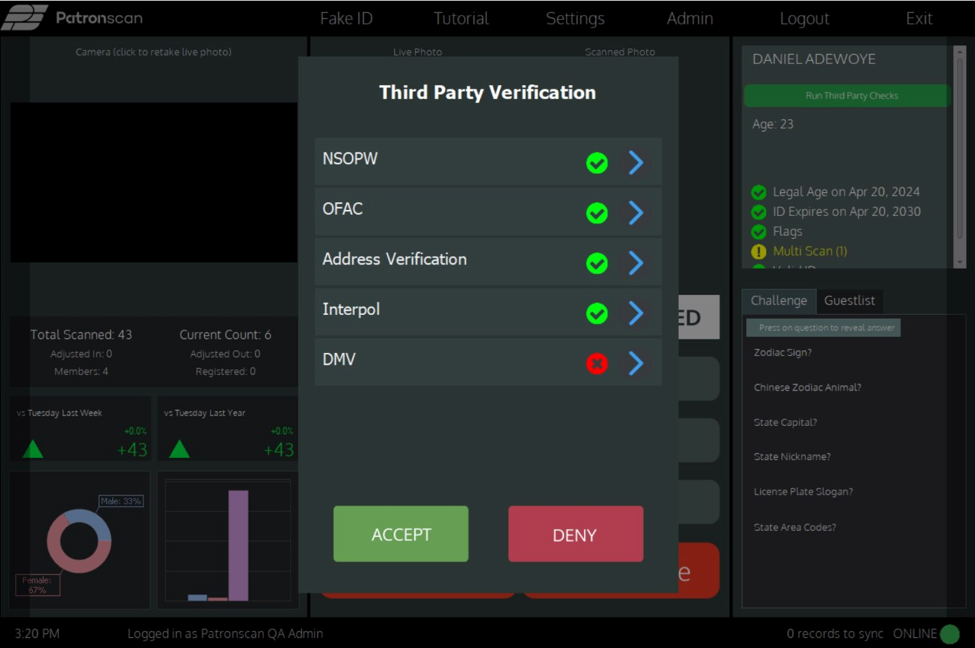
The Third-Party Verification Panel will appear with a result for each check. A green checkmark indicates the check passed. A red X indicates the check failed or could not be completed.
4. View Check Details
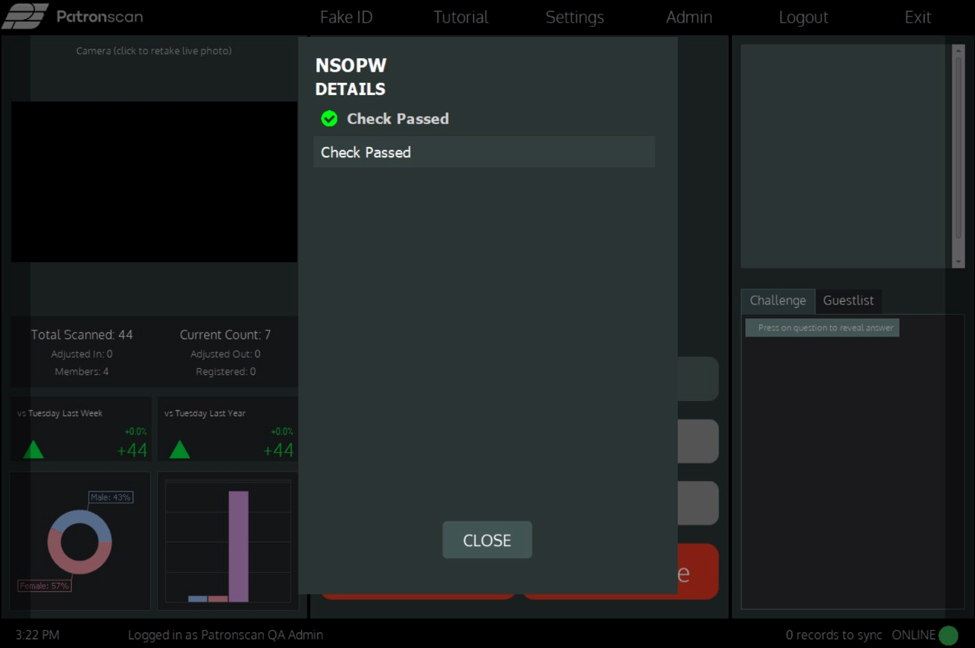
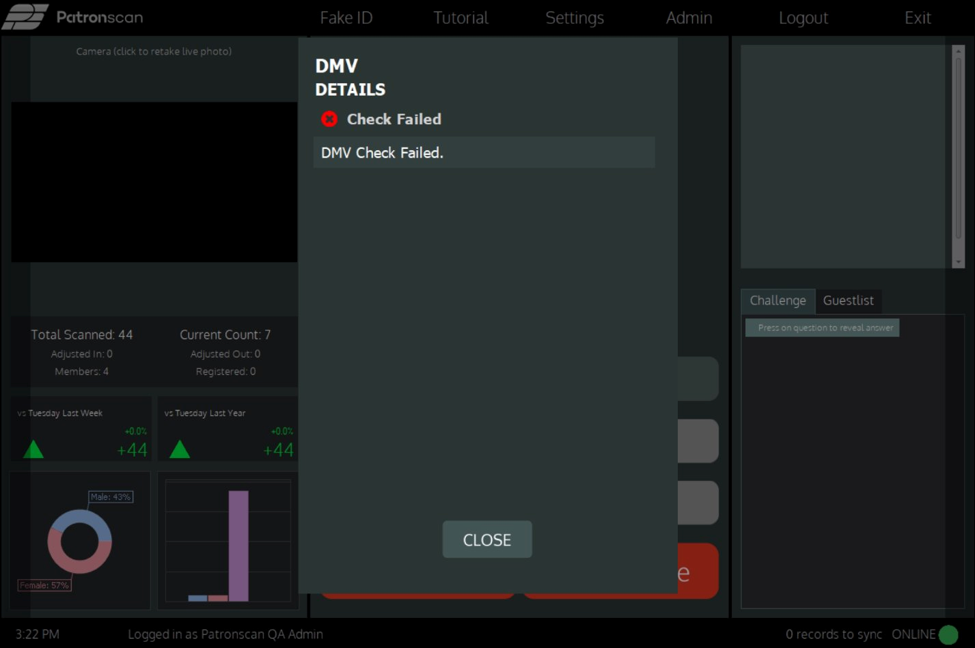
Click the arrow (>) on any individual check to expand it and view more detail about that specific result.
5. Accept or Deny
After reviewing the results, use the ACCEPT or DENY buttons at the bottom of the verification panel.
Understanding Results
Each check returns one of the following statuses:
- Check Passed — No match or issue was found in that database.
- Check Failed — A potential match or issue was detected, or the check could not be completed.
A failed result does not automatically mean the ID is fraudulent. For example, a newly built home may not yet appear in public address databases, which can cause an Address Verification failure on a completely valid ID. Always consider the full context before making a decision.
Privacy & Data Handling
When a Third-Party Check is run, only the patron's name and address from the scanned ID are used. No guest data is stored, sold, or submitted to any external services as part of this feature.